
What you control from it
Iris and master black on the main knob, then gain, shutter, ND and white balance, and the red, green and blue lift, gamma and gain for colour. Call it shading, racking, painting or vision control, it's the same job.
An RCP in software
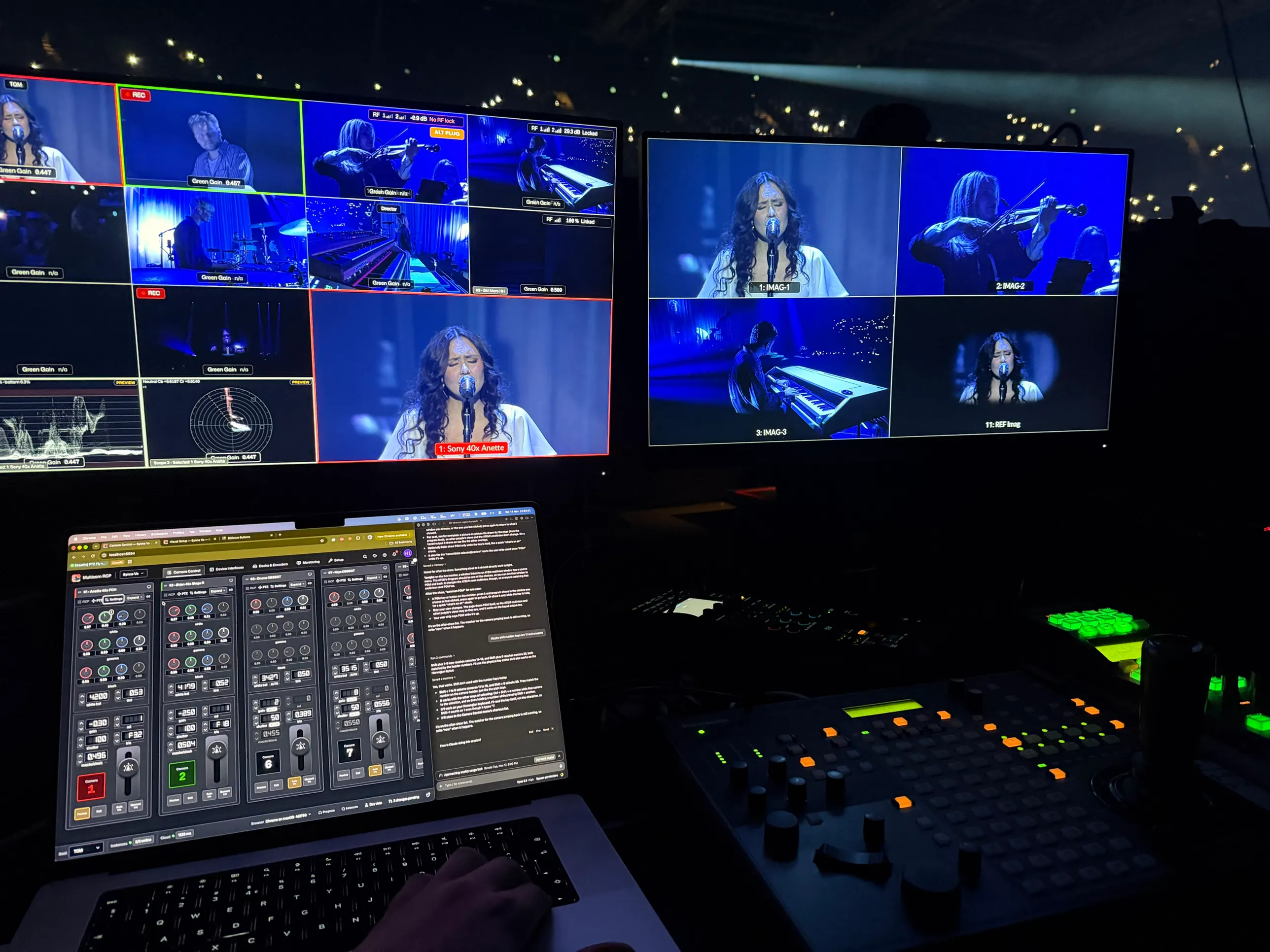
Multicam RCP is an RCP in software. Every camera gets the same strip on screen, with scopes next to the picture, whatever the brand. It runs on a Mac, a Windows PC, Linux or a phone, or headless on a Raspberry Pi or in Docker.
It isn't better than a hardware panel, but in a pinch it's much better than the other options.
And the panels you already have
Keep the panels your engineers know. Multicam RCP translates between panel and camera, so a Sony RCP or a Grass Valley OCP can shade a Blackmagic, Canon or Panasonic camera, and a Sony RCP-1500 or RCP-3500 works as it does on its own CCU.
Shading Blackmagic cameras from a Sony RCP or GV OCP →Where it has been used
At Synne Vo one Grass Valley OCP 400 shaded all ten cameras, from four makers.
The Synne Vo story →Which plan
Basic covers one camera. Sony and Grass Valley panels are part of the Broadcast plan.
See the plans →