
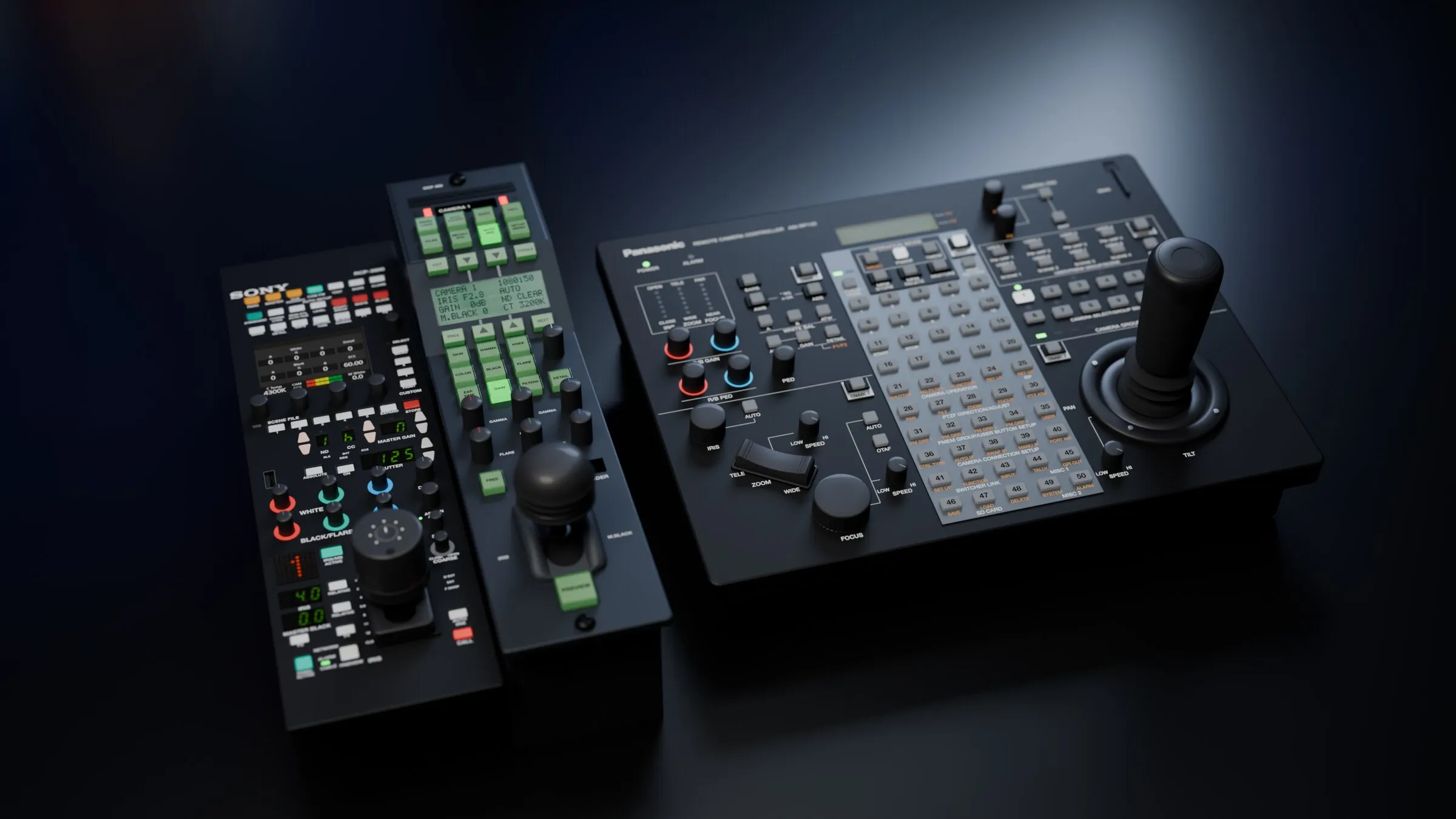
How it connects
Multicam RCP sits between the panel and the cameras. To the panel it looks like a CCU. To the Blackmagic camera it sends the same camera control the ATEM uses, down the SDI return feed, or over the network on cameras that have Blackmagic's REST API. The Grass Valley OCP 400 finds Multicam on the network by itself and picks the camera by its camera number. A Sony RCP is set to connect to the Multicam computer instead of a CCU.
What the knobs do on a Blackmagic camera
Iris, master black, red/green/blue gain, master gain (−12 to +48 dB) and colour temperature go to the camera, and ATEM Software Control follows along. Some keys have nothing to drive on a Blackmagic camera: auto iris, detail, call and the panel's exposure time do nothing there.
Tally and preview on the panel
The panel's tally lamps follow the switcher: red on program, yellow on preview. The PREVIEW button can put the camera you're shading on an AUX output or a multiview window, so you see the picture you're adjusting.
At Synne Vo a multiview window followed the camera selected on the panel, so with one OCP the PREVIEW button wasn't needed and no output was spent on it.
Where it has been used
At Synne Vo's arena shows one Grass Valley OCP 400 shaded all ten cameras, Sony, Canon, Obsbot and a Blackmagic Micro Studio, with the camera picked from the Panasonic RP120 or the panel's own keys.
The Synne Vo story →Setting it up
- Add the ATEM and your Blackmagic cameras in Multicam RCP.
- Add the panel: the OCP 400 shows up by itself; for a Sony RCP, set its target to the Multicam computer.
- Give each camera a number, so the panel's camera keys pick the right one.
- Draw the cables in Visual Setup, or let auto-patch draw them, so tally and preview know which input is which camera.
Which plan
Sony and Grass Valley panels are part of the Broadcast plan. The free trial has everything, so you can try it on your own desk first.
See the plans →